
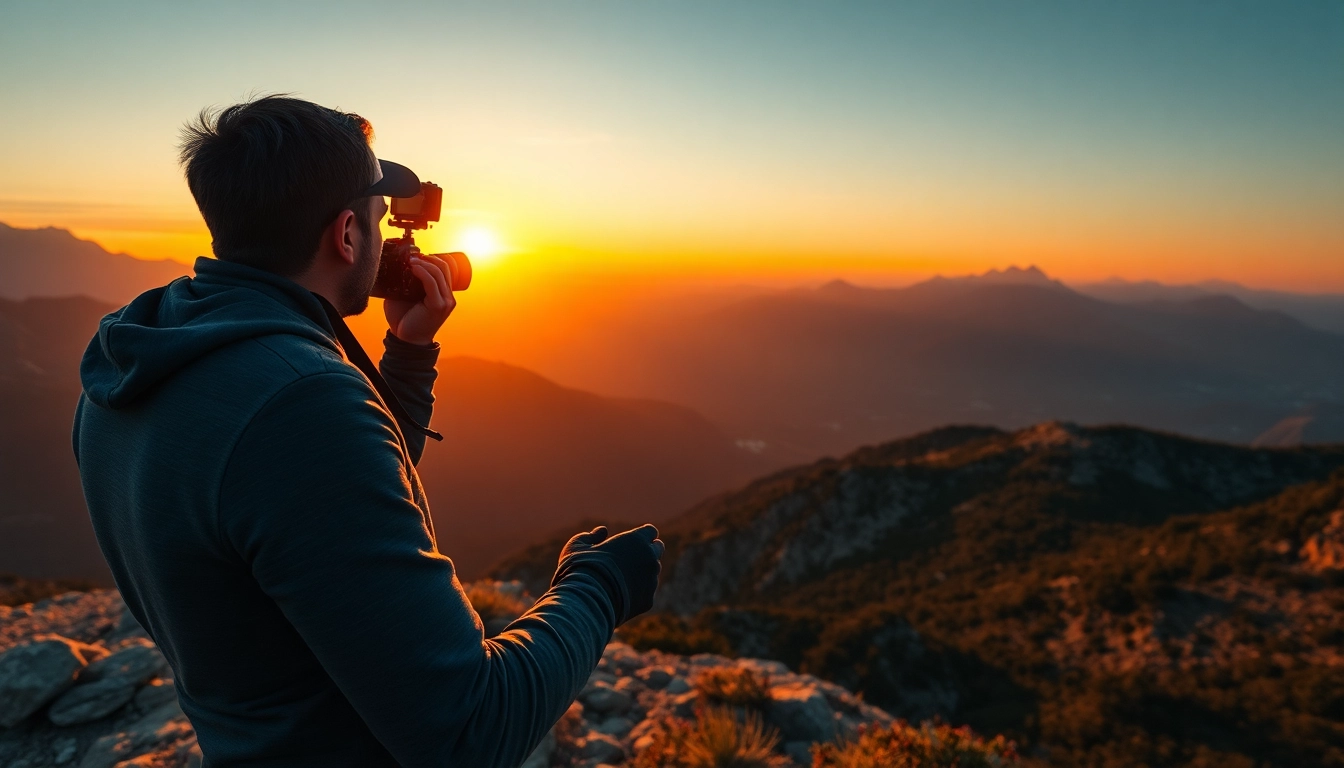
Getting Started with Your insta360 Camera
As the world of photography evolves, the advent of 360-degree cameras like the insta360 has revolutionized the way we capture moments. Whether you are an avid traveler, a professional photographer, or simply someone who wishes to document life’s adventures, understanding how to use an insta360 camera can elevate your imagery to new heights. This comprehensive guide will help you navigate the world of 360 photography, from selecting the right model to sharing your stunning images with the world.
Choosing the Right Model for Your Needs
The first step in maximizing your experience with the insta360 is selecting the right model suited to your needs. Various models are available, each with distinct features tailored for different purposes:
- insta360 ONE R: Ideal for both casual users and professionals, this modular camera allows you to switch between wide-angle and 360-degree lenses.
- insta360 ONE X2: Known for its stabilization technology, making it perfect for action shots, while still offering user-friendly controls.
- insta360 GO 2: A compact, lightweight option designed for on-the-go shooting, ideal for capturing spontaneous moments.
Assess your specific needs—be it portability, versatility, or advanced features—before making a purchase. Consider factors such as the camera's resolution, battery life, connectivity options, and durability.
Understanding Camera Features and Settings
Once you have chosen your model, familiarize yourself with its features and settings. Each insta360 camera comes equipped with different functionalities. Here’s a breakdown of essential features:
- Resolution: The higher the resolution, the clearer your images will be. For detailed shots, ensure you select a camera that supports 4K video and high-resolution photos.
- Stabilization: This feature is crucial for reducing the shakiness in your videos. Look for models that utilize FlowState stabilization technology.
- Live Streaming Capabilities: Some models allow for live streaming directly to social media, enhancing your audience engagement.
Understanding these features will help you customize your settings according to your shooting conditions, resulting in improved image quality and overall experience.
Initial Setup and Configuration Tips
Setting up your insta360 camera for the first time can be daunting. Follow these steps for a seamless initial setup:
- Charge Your Battery: Ensure your camera is fully charged before first use to avoid interruptions.
- Download the App: The insta360 app enhances functionality, providing access to editing tools and camera controls.
- Connect the Camera: Use Wi-Fi or Bluetooth to connect your camera to your smartphone, enabling quick access to features.
- Adjust Settings: Modify settings such as resolution, frame rates, and shooting modes depending on your purpose.
These initial steps will streamline your filming process and enhance your creative output.
Essential Techniques for Capturing Stunning Photos
After successfully setting up your insta360 camera, the next journey begins—capturing breathtaking photos. This section will delve into essential techniques that will help you take full advantage of your camera’s capabilities.
Optimal Angles and Perspectives
The advantage of a 360-degree camera is in its ability to capture from various angles. Here are techniques to consider:
- Eye-Level Shots: Capture initial images at eye level to give viewers a relatable perspective.
- Low Angles: Positioning your camera low to the ground can enhance depth and dimension in your photos.
- Aerial Perspectives: Use a drone or monopod to achieve a bird’s eye view that showcases the surrounding landscape.
Experiment with angles while ensuring the subject remains central and engaging for viewers.
Light Management and Exposure Settings
Proper lighting is paramount in photography. Here’s how to manage light effectively with your insta360:
- Golden Hour Shooting: The hour after sunrise and before sunset provides the most flattering light for photography.
- Exposure Settings: Familiarize yourself with your camera’s manual exposure settings to adjust for bright or dim environments.
- Natural Light Utilization: Whenever possible, use natural light sources to create depth and enhance colors.
Mastering these techniques will help you tailor your shots in various lighting conditions.
Composition Techniques for Engaging Shots
Composition is the backbone of stunning photography. Adhering to composition principles can significantly enhance the aesthetic quality of your images:
- Rule of Thirds: Divide the frame into a 3x3 grid and place focal points along these lines or at their intersections.
- Leading Lines: Use natural lines in your environment to guide the viewer’s eye toward the subject.
- Framing: Use elements within the scene to frame the subject, adding depth and context to the image.
Applying these composition techniques will give your photos a professional touch and keep your audience engaged.
Editing Your insta360 Photos for Maximum Impact
Capturing stunning photos is only half the battle; post-production editing is equally vital in the photography process. This section discusses the best software and editing tips to enhance your photos.
Best Software Options for Editing
Choosing the right editing software can elevate your photos from good to exceptional. Here are some of the top options for your insta360 images:
- Adobe Lightroom: This tool is perfect for adjusting exposure, color balance, and cropping.
- Adobe Premiere Pro: Ideal for video editing, especially for 360-degree footage.
- insta360 Studio: Specifically designed for insta360 images, this software provides tailored features to maximize your photos’ potential.
Each software option offers unique features, so consider your editing needs when making a choice.
Basic Editing Techniques You Should Know
Editing can significantly change the mood and clarity of your images. Here are some basic editing techniques to master:
- Cropping: Remove any unwanted parts of your photo for a more focused composition.
- Color Correction: Adjust white balance and saturation to enhance the colors in your shots.
- Sharpening: Use the sharpening tool to enhance the details in your images.
Learning these fundamental editing skills will vastly improve your images’ overall quality.
Enhancing Photos with Filters and Effects
Filters and effects can give your images a particular style or mood. Here are ways to utilize them effectively:
- Presets: Use pre-designed filters to achieve a cohesive look across your photos.
- Vignetting: Adding a slight vignette can draw attention to the center of the image.
- Depth of Field: Create a soft background blur to emphasize your subject.
Be strategic with effects, as over-editing can detract from the authenticity of the photo.
Sharing and Showcasing Your insta360 Work
Once edited, it's time to share your stunning work with the world. This section explores effective strategies for showcasing your photos.
Effective Social Media Strategies
Social media is a powerful platform for sharing photography. Consider the following strategies:
- Choose the Right Platforms: Focus on platforms that prioritize visual content, such as Instagram and Facebook.
- Post Regularly: Maintain consistency in posting to keep your audience engaged and informed.
- Use Hashtags Wisely: Incorporate relevant hashtags to increase the visibility of your posts.
Implementing these strategies can significantly elevate your social media presence and audience engagement.
Building an Online Portfolio
An online portfolio is essential for displaying your best work professionally. Here’s how to create one:
- Choose a Platform: Select a user-friendly website builder or portfolio site to showcase your photos.
- Organize by Categories: Organize your portfolio according to themes, such as travel, landscapes, or events.
- Include a Blog: Share behind-the-scenes stories, tips, and experiences related to your photography.
A well-structured portfolio not only attracts potential clients but also serves as a personal showcase of your work.
Engaging with Your Audience
Build relationships with those who appreciate your photography. Here are strategies to consider:
- Respond to Comments: Engage actively with your followers by responding to comments and messages.
- Collaborate: Partner with other photographers or creatives for joint projects that can broaden your visibility.
- Host Contests: Conduct photography contests or challenges to engage your audience and encourage them to share your work.
Engaging with your audience fosters community and promotes a stronger presence online.
FAQs About Using insta360 Cameras
What are the best settings for outdoor photography?
For outdoor photography with the insta360, use high exposure and adjust white balance for optimal color accuracy.
Can I use insta360 for live streaming?
Yes, many insta360 models support live streaming, allowing you to broadcast your adventures in real-time.
How do I extend battery life while shooting?
To extend battery life, reduce video quality, turn off Wi-Fi, and avoid using the camera in cold conditions.
What accessories are recommended for insta360 cameras?
Consider using a tripod, external microphone, or ND filters to enhance your shooting experience with the insta360.
Where can I get inspiration for insta360 photography?
Browse social media platforms and photography blogs focused on 360-degree imagery for tips and inspiration.


