
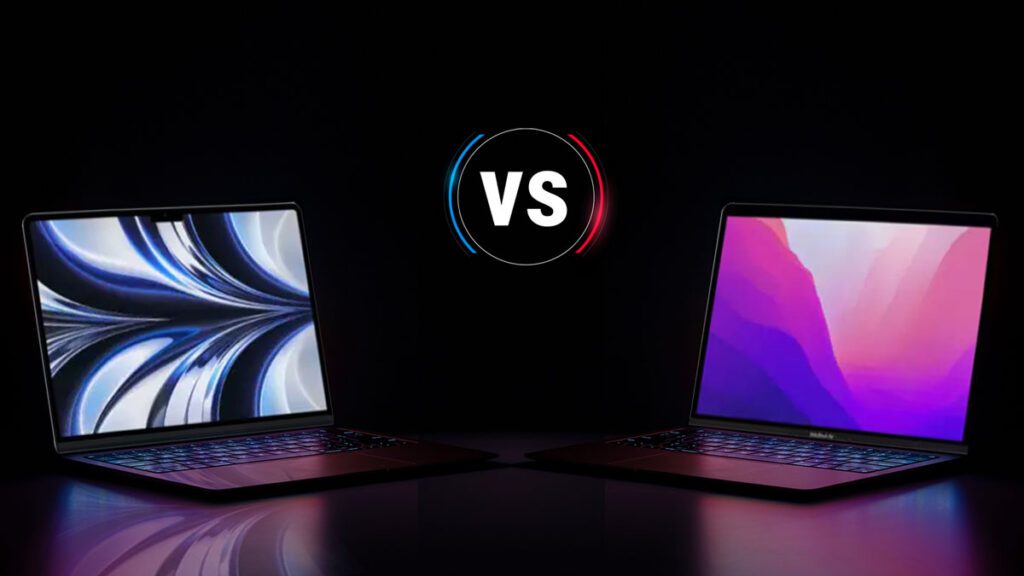
Apple has been revolutionizing the laptop and desktop world with its in-house silicon. The transition from Intel processors to Apple’s M-series chips has sparked curiosity, especially regarding performance, efficiency, and battery life. In this article, we’ll explore the m1 chip vs m2 in detail, focusing on practical usage, real-world efficiency, and battery performance.
Understanding the M1 Chip vs M2
M1 Chip: Apple’s First Leap
The M1 chip marked a significant shift for Apple. Released in late 2020, it was the first chip designed specifically for Mac devices.
- Architecture: 5-nanometer process with 16 billion transistors.
- CPU Cores: 8 cores (4 performance + 4 efficiency cores).
- GPU: Up to 8 cores.
- Unified Memory: 8GB or 16GB.
The M1 chip combines high performance with energy efficiency, giving MacBook Airs, MacBook Pros, and Mac Minis excellent battery life without sacrificing speed.
M2 Chip: The Next Generation
The M2 chip, released in 2022, builds on the success of M1 but with improved performance and efficiency.
- Architecture: Enhanced 5-nanometer process with 20 billion transistors.
- CPU Cores: 8 cores (4 performance + 4 efficiency cores).
- GPU: Up to 10 cores for better graphics performance.
- Unified Memory: 8GB to 24GB.
The M2 is designed to handle heavier tasks while maintaining the same efficiency Apple is known for, making it a solid choice for creative professionals.
Performance Comparison: M1 Chip vs M2
CPU Performance
When comparing the M1 chip vs M2, CPU performance is one of the most noticeable differences. The M2’s performance cores are slightly faster, and its increased transistor count allows for smoother multitasking.
For example:
- Video editing in Final Cut Pro on an M2 laptop is about 18% faster than on M1.
- Compiling code or running simulations sees a moderate improvement, making M2 ideal for power users.
GPU Performance
The GPU enhancements in M2 allow for more intensive graphics workloads. Gamers and graphic designers notice better frame rates and rendering times compared to the M1 chip.
- Real-life example: A 3D rendering project that takes 20 minutes on an M1 MacBook Pro can finish in around 17 minutes on an M2 device.
Daily Use Efficiency
Both M1 and M2 handle everyday tasks like web browsing, email, and document editing effortlessly. Battery efficiency ensures long hours without needing a charger.
- The M1 chip can handle up to 15-18 hours of web browsing on MacBook Air.
- M2 maintains similar battery life, around 18 hours, while handling slightly heavier applications.
Battery Life: M1 Chip vs M2
M1 Battery Performance
The M1 chip was a game-changer for battery life. MacBook Air users reported:
- 15–18 hours of web browsing.
- 18–20 hours of video playback.
This was a substantial improvement over Intel-based Macs, proving Apple’s efficiency focus works in the real world.
M2 Battery Performance
The M2 chip has slightly more powerful hardware, but Apple managed to maintain similar battery efficiency. Real-world usage shows:
- Slightly shorter battery life during heavy workloads (e.g., video editing or gaming).
- Comparable performance to M1 for everyday use.
Efficiency in Daily Life
Efficiency is not only about battery life but also how the chip manages heat and power. Both M1 and M2:
- Run cool under normal tasks.
- Consume less energy than Intel-based Macs, making them ideal for portable use.
Imagine using a laptop all day at school or work without searching for an outlet—both chips excel in providing that freedom.
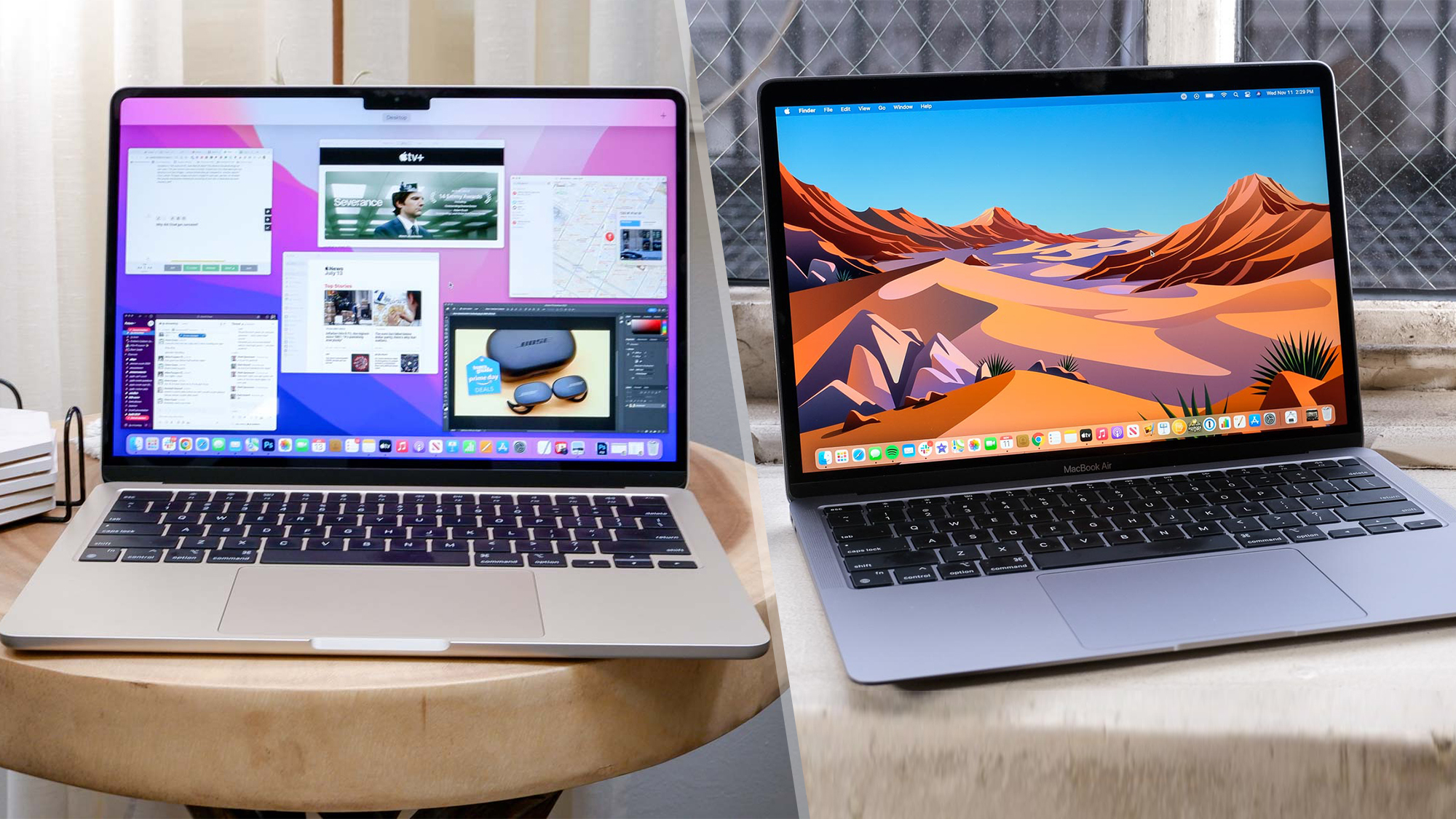
Real-World Scenarios: M1 Chip vs M2
For Students
Students who need laptops for notes, research, and light multimedia projects will find both M1 and M2 sufficient. Battery longevity ensures all-day use.
For Creatives
Graphic designers, video editors, and music producers will benefit more from M2’s enhanced GPU and slightly faster CPU. Projects render quicker, and multitasking is smoother.
For Everyday Users
Web browsing, streaming, and office tasks are handled excellently by either chip. The difference in battery life is negligible in normal usage, but M2 provides a bit more headroom for future-proofing.
Pros and Cons: M1 Chip vs M2
M1 Chip
Pros:
- Excellent battery life.
- Very efficient for everyday tasks.
- Cost-effective option.
Cons:
- Slightly weaker GPU for heavy graphics tasks.
- Less memory bandwidth for multitasking.
M2 Chip
Pros:
- Improved CPU and GPU performance.
- Better for creative and professional tasks.
- Still energy efficient despite higher performance.
Cons:
- Slightly more expensive.
- Minor difference in battery life during heavy use.
Which One Should You Choose?
The choice between M1 chip vs M2 depends on your needs:
- Budget-friendly and everyday use: M1 chip offers great value, long battery life, and sufficient power.
- Performance and future-proofing: M2 chip is better for creative professionals or users running demanding software.
Practical Tips to Maximize Battery Life
- Lower screen brightness when possible.
- Close unnecessary apps in the background.
- Use energy saver settings during lighter workloads.
- Keep macOS updated for efficiency improvements.
Performance Upgrades in M2
CPU Enhancements in M1 Chip vs M2
When comparing the m1 chip vs m2, one of the most noticeable improvements is the CPU. The M2 chip delivers faster processing speeds, handling tasks like video editing, coding, and multitasking more efficiently than the M1. This makes the M2 ideal for power users who need performance without sacrificing battery life.
GPU Improvements in M1 Chip vs M2
The GPU in the m1 chip vs m2 comparison shows clear benefits for graphic-intensive applications. The M2’s additional GPU cores enable smoother rendering, faster gaming, and better creative performance, while still maintaining energy efficiency similar to the M1 chip.
Battery Life Comparison
Everyday Usage in M1 Chip vs M2
Battery life is critical for mobile productivity. In the m1 chip vs m2 scenario, both chips offer impressive longevity, with the M2 slightly edging out the M1 in real-world usage when handling lighter tasks like browsing, streaming, and office work.
Heavy Workload Performance in M1 Chip vs M2
During demanding applications, the m1 chip vs m2 difference becomes more noticeable. The M2 can maintain higher performance levels under heavy workloads without overheating, whereas the M1 may show slightly longer sustained battery life under moderate tasks.
Memory and Multitasking
RAM Efficiency in M1 Chip vs M2
The m1 chip vs m2 comparison highlights memory improvements. The M2 supports higher RAM capacities and faster memory bandwidth, enabling better multitasking for apps like Photoshop, Final Cut Pro, and other creative software.
Real-World Multitasking in M1 Chip vs M2
In real-world usage, the m1 chip vs m2 multitasking performance is evident. Switching between multiple apps, browser tabs, and productivity software feels smoother on M2 devices, though the M1 still handles everyday tasks reliably.
Thermal Performance
Heat Management in M1 Chip vs M2
Efficient heat management is another factor in the m1 chip vs m2 debate. The M2’s enhanced architecture allows it to remain cooler under intense workloads, preventing throttling while sustaining performance over time.
Quiet Operation in M1 Chip vs M2
The m1 chip vs m2 ensures quiet operation. Both chips generate minimal fan noise, but the M2 can handle high-performance tasks quietly due to improved efficiency, making it ideal for students and professionals working in quiet environments.
Conclusion
In the M1 chip vs M2 debate, both chips offer impressive performance and efficiency. M1 provides incredible battery life and cost-effective performance for everyday users. M2 builds on that foundation with enhanced GPU and CPU performance, making it ideal for power users and creative professionals. Battery life differences are minimal for normal use, so the decision comes down to whether you need the extra power and future-proofing that M2 offers. Apple’s focus on energy efficiency ensures that whichever chip you choose, you’ll enjoy a laptop that balances performance, battery life, and usability seamlessly. Start exploring smarter by returning to our main homepage.
FAQs
What is the main difference between the M1 chip vs M2?
The main difference is performance. The M2 has a slightly faster CPU, more GPU cores, and higher memory bandwidth, making it better for intensive tasks while maintaining energy efficiency.
Does the M2 chip have better battery life than the M1?
In typical daily use, the M2 chip has similar battery life to the M1. For heavy workloads, M2 may drain slightly faster due to higher performance, but the difference is minor.
Is the M1 chip still worth buying in 2025?
Yes, the M1 chip remains a highly capable and efficient option for everyday tasks, students, and professionals who do not require maximum GPU performance. It offers excellent value and long battery life.